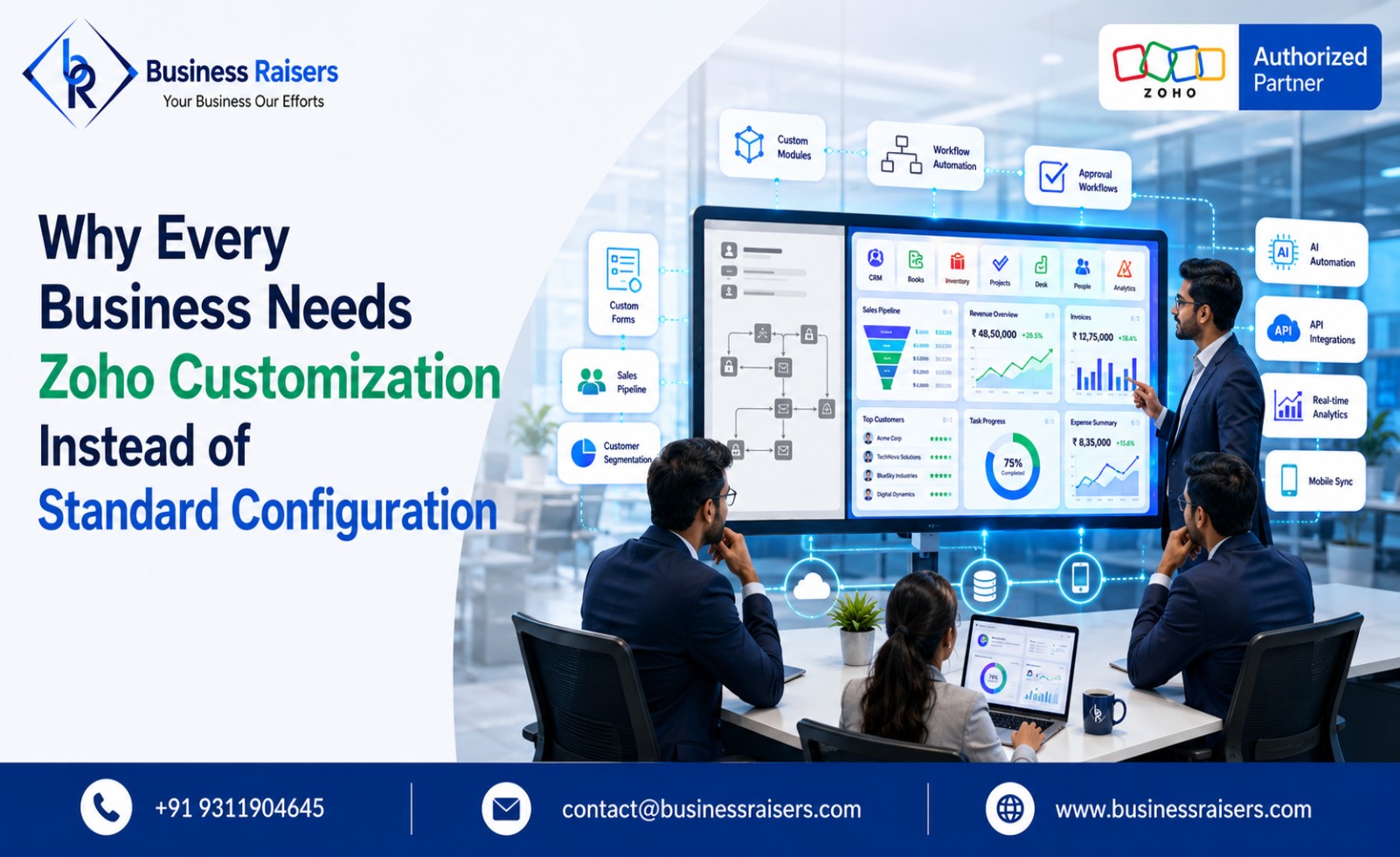
Why Every Business Needs Zoho Customization Instead of Standard Configuration
Every business owner has heard the pitch: install Zoho, connect your team, and watch the automation magic happen. But here's the truth most software vendors won't tell you — a standard, out-of-the-box Zoho setup rarely fits how your business actually operates. That's exactly where zoho customization services from a partner like Business Raisers make the real difference between software that sits idle and software that drives measurable growth.
The Problem With "Default" Zoho Setups
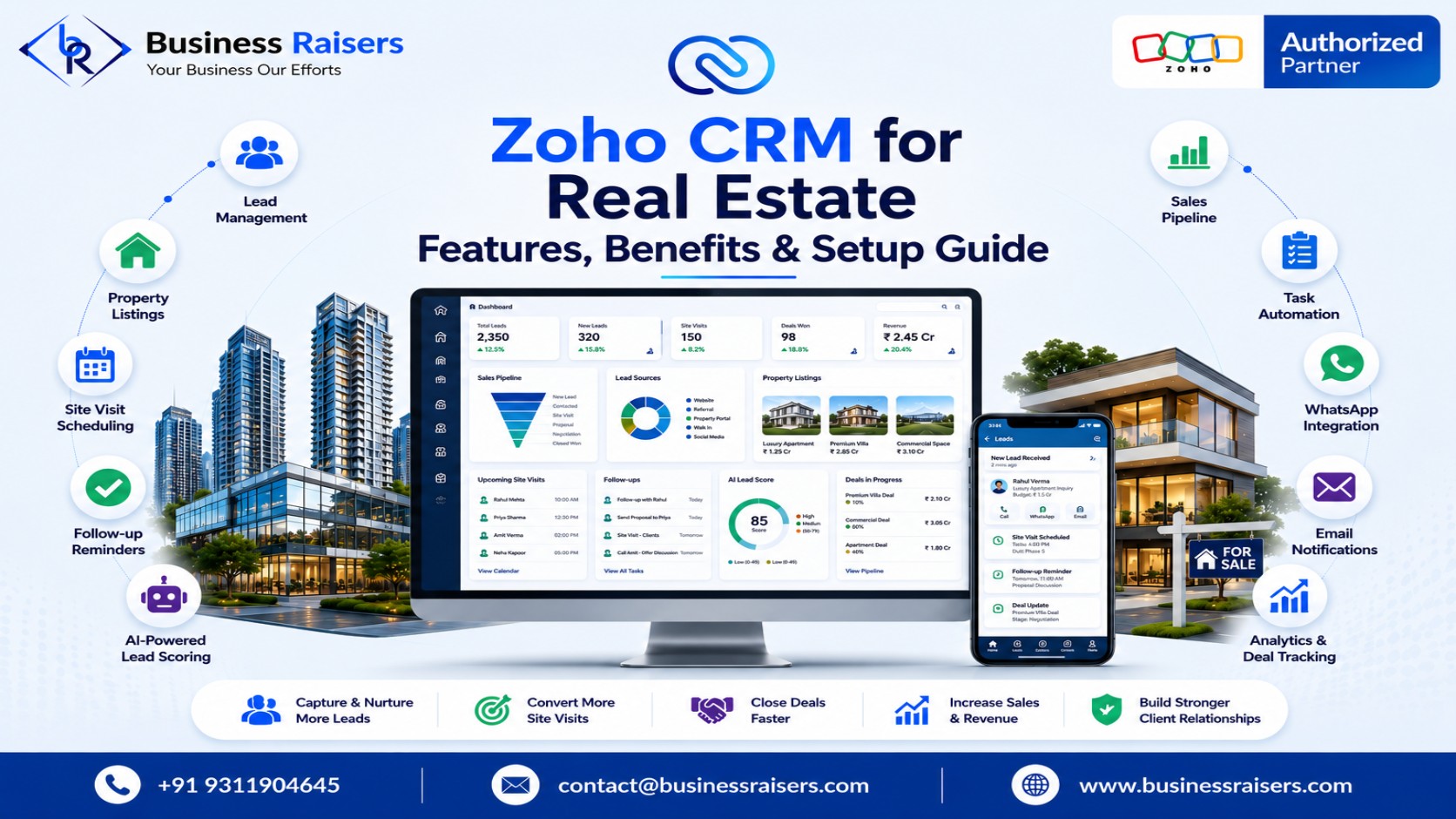
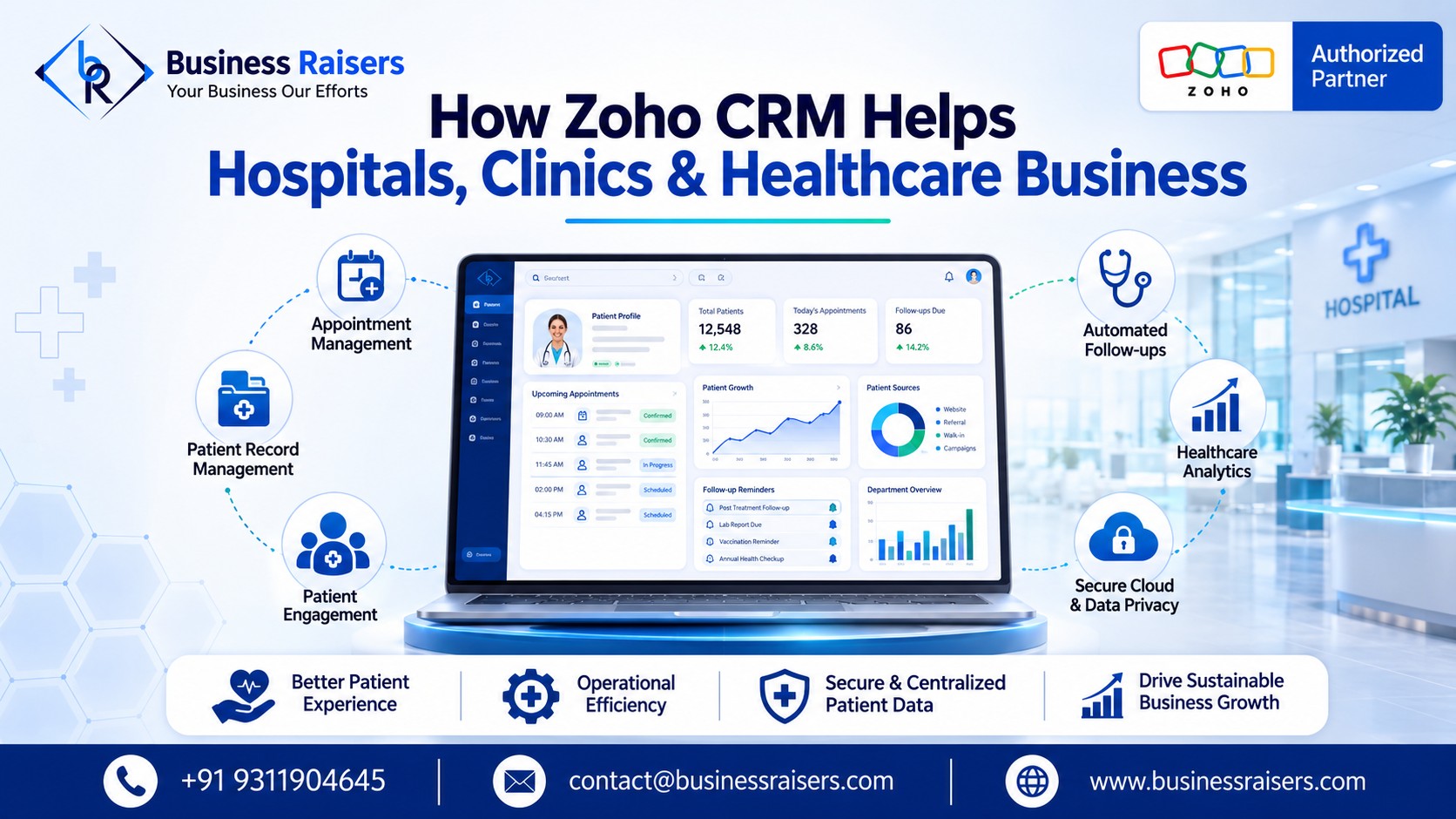
Zoho is a powerful ecosystem of 45+ applications, and that's precisely why a one-size-fits-all configuration can hold you back. A default CRM pipeline may work fine for a generic sales team, but it won't reflect how your specific business qualifies leads, structures follow-ups, or defines a "closed deal." A manufacturer needs stages for quotation, raw material availability, and dispatch — not a generic "deal" pipeline. A real estate agency needs property-matching logic built around budget and location, not a plain contact list. A clinic needs appointment history and treatment notes linked to billing, not a patient treated like any other lead.
When businesses skip customization, they usually end up with:
Fields and modules that don't match their actual sales or operational process
Manual workarounds that quietly defeat the entire purpose of automation
Reports that take hours to compile and still don't answer what leadership actually needs
In short, the software gets installed — but it never gets used the way it should.
What Proper Zoho Customisation Actually Solves
Genuine zoho customisation goes far beyond changing a logo or renaming a few fields. It means rebuilding workflows around how your team already works, so the system feels intuitive from day one instead of forcing people to adapt to a rigid template. This usually means custom modules built around your specific sales or service process, lead scoring rules based on what actually matters in your industry, and approval chains for purchase orders or expenses that mirror your real hierarchy.
It also means role-based visibility — a sales rep should see only their own pipeline, while a finance head needs a completely different, finance-focused view of the same platform. Small details like validation rules that block duplicate leads or missing phone numbers matter too, since bad data entering the system undoes half the benefit of automating it in the first place.
Why Invoice Customization Deserves Special Attention
Billing is one area that's frequently overlooked, yet it directly affects cash flow. Generic invoice templates rarely reflect your brand, your GST compliance requirements, or your specific payment terms. Proper zoho invoice customization ensures invoices carry your branding and correct tax fields, generate automatically the moment a deal is marked closed, and trigger payment reminders on due dates without anyone chasing manually.
Businesses operating across multiple branches or currencies need this even more, since a single generic template simply can't handle that variation correctly. When invoicing is set up right, your accounts team spends time reviewing numbers instead of formatting documents from scratch every single time.
Customization vs. Implementation: Understanding the Difference
Many business owners confuse configuration with implementation, but they solve different problems. Zoho implementation servicescover the full setup journey — mapping your existing processes, selecting the right combination of apps from the Zoho suite, migrating historical data safely, and training your team. Customization is the layer built on top of that foundation; implementation gets Zoho running correctly, while customization makes it run the way your business actually needs. Skipping either step is why many companies pay for Zoho licenses every month but never see the return on investment they expected.
The Real Cost of Skipping Customization
Consider two versions of the same business using Zoho CRM:
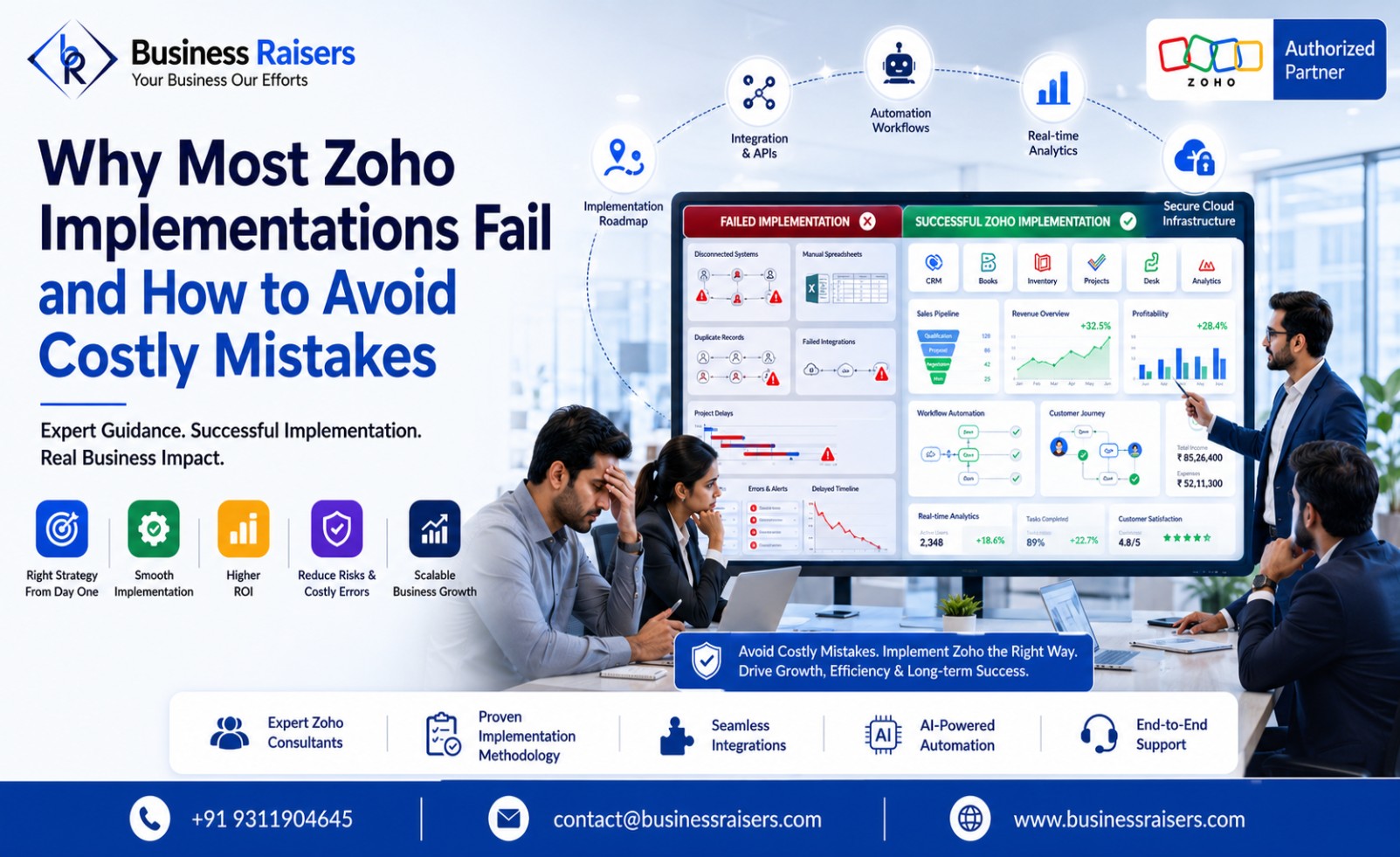
Without customization: leads sit in a generic queue with no auto-routing, and reports are pulled and formatted manually every week — often outdated by the time they're shared.
With customization: leads are scored and assigned to the right rep within seconds, follow-ups trigger automatically after a set period of silence, and dashboards update live so leadership always sees current numbers.
The license cost is identical in both cases. The difference in output, however, is significant — often the gap between a team saving hours daily and one still buried in repetitive admin work.
How to Approach Customization the Right Way
Before customizing anything, a proper partner should understand your business first, not push a predefined template. That means mapping current workflows, identifying the biggest time sinks, and prioritizing automations that actually move the needle before touching anything else. Testing with your real team before going live, and training them properly afterward, matters just as much as the configuration itself — a system nobody knows how to use ends up abandoned within weeks.
Certified, hands-on expertise matters too. Incorrect configuration can create more confusion than it solves, which is why a business-first approach — understanding operations before recommending a single tool — tends to produce far better results than a rushed, template-driven rollout.
Final Thoughts
Standard Zoho configuration might get your business up and running, but it rarely delivers the efficiency businesses actually expect from automation. Thoughtful, need-based customization — from CRM workflows to invoicing — is what turns Zoho from "just another tool" into a system that genuinely saves time, reduces errors, and supports growth.
If your current setup feels more like extra software to manage than a solution that simplifies your operations, it's worth revisiting how it was originally configured.
Contact Us: Ready to make Zoho work the way your business actually operates? Get in touch with Business Raisersfor a free consultation and see what proper customization can do for you.
FAQs
1. What's the real difference between setting up Zoho and customizing it?
Setting up Zoho means configuring the platform with its standard features so it's ready to use. Customization goes further by modifying workflows, forms, automation, and reports to match your unique business processes and improve efficiency.
2. Does this only make sense for large companies?
No. Small and medium-sized businesses often see the biggest benefits because customization reduces manual work, improves productivity, and helps teams scale without adding unnecessary complexity.
3. How long does it usually take to get invoicing set up properly?
For most businesses, invoicing can be configured within a few days. More advanced requirements, such as custom workflows, integrations, or tax rules, may take one to two weeks.
4. Can changes be made after the system is already up and running?
Yes. Zoho can be customized even after implementation, allowing businesses to update workflows, add automation, and refine processes as their requirements evolve.
5. Will this add to the monthly subscription cost?
No. Customization is generally a one-time implementation service, while your regular Zoho subscription remains separate unless additional Zoho licenses or products are required.