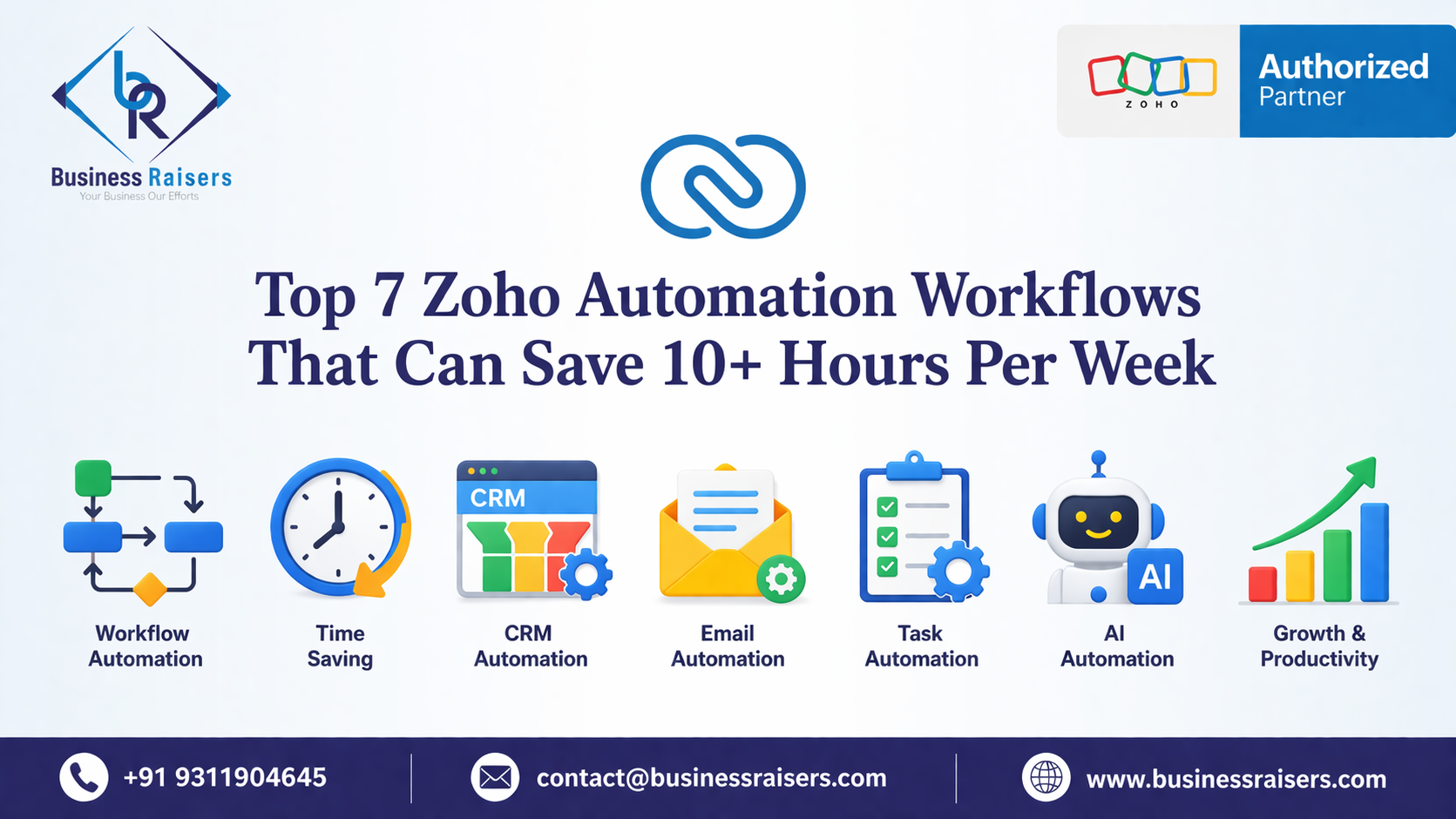
Top 7 Zoho Automation Workflows That Can Save 10+ Hours Per Week
In today’s fast-paced business environment, efficiency is everything. Many businesses still rely on manual processes for managing leads, follow-ups, invoicing, and customer support. This not only consumes valuable time but also increases the chances of human error.
This is where Zoho automation workflows come into play. With the right setup, Zoho can automate repetitive tasks, streamline operations, and significantly improve productivity. Businesses that implement automation correctly can save more than 10 hours per week while improving accuracy and performance.
In this blog, we will explore the top 7 Zoho automation workflows that can transform your business operations and help you scale faster.
1. Lead Capture Automation
One of the most important workflows for any business is capturing leads efficiently. Instead of manually entering data from website forms, Zoho CRM can automatically capture and store leads in real time.
With lead capture automation:
- Website form submissions go directly into Zoho CRM
- Lead details are instantly recorded
- No manual data entry is required
This ensures that no potential lead is missed and your sales team can act quickly.
To implement this effectively, businesses often rely on proper Zoho implementation services to ensure accurate data mapping and workflow setup.
2. Automatic Lead Assignment Workflow
Once leads are captured, assigning them manually to sales representatives can slow down response time. Zoho CRM allows you to automate lead assignment based on predefined rules.
You can assign leads based on:
- Location
- Industry
- Lead source
- Sales team availability
This automation ensures faster response times and improves conversion rates.
For advanced logic-based workflows, businesses benefit from Zoho customization services to tailor the system according to their sales process.
3. Follow-up Reminder Automation
One of the biggest reasons businesses lose leads is missed follow-ups. Zoho CRM allows you to set up automated reminders and notifications for follow-ups.
With this workflow:
- Sales reps receive reminders for pending follow-ups
- Automated emails can be triggered
- No opportunity is forgotten
This improves customer engagement and increases the chances of closing deals.
Businesses looking to optimize these processes often work with a trusted Zoho consulting partner to implement best practices.
4. Invoice Automation (CRM to Books Integration)
Manual invoicing is time-consuming and prone to errors. By integrating Zoho CRM with Zoho Books, businesses can automate invoice creation directly from deals.
With this workflow:
- Closed deals automatically generate invoices
- Customer data is synced between systems
- Payment tracking becomes easier
This is one of the most powerful automation workflows for improving financial efficiency.
To achieve seamless connectivity, businesses use Zoho integration services to ensure proper CRM and accounting system integration.
5. Customer Support Ticket Automation
Customer support is another area where automation can save significant time. Zoho Desk allows businesses to automate ticket creation, assignment, and resolution workflows.
Key benefits:
- Tickets are automatically created from emails or forms
- Tickets are assigned to the right agents
- SLA-based workflows ensure timely resolution
This improves customer satisfaction and reduces manual workload.
For smooth setup and performance, businesses often implement this through structured Zoho implementation services.
6. HR Automation
Managing HR processes manually can be overwhelming, especially for growing businesses. Zoho People allows you to automate employee-related tasks.
With HR automation:
- Attendance tracking is automated
- Leave approvals are streamlined
- Employee records are centrally managed
This reduces administrative workload and improves HR efficiency.
To align HR processes with business policies, companies often use Zoho customization services for tailored solutions.
7. Multi-App Business Automation (Zoho Ecosystem)
Zoho becomes truly powerful when multiple applications work together as a unified system. Businesses can automate processes across departments by connecting different Zoho apps.
Examples include:
- Sales data syncing with finance
- Support tickets linked with customer records
- HR and payroll integration
This creates a fully connected ecosystem where all departments operate efficiently.
For full-scale automation, businesses often collaborate with a professional Zoho consulting partner to design and implement the right strategy.
Why Zoho Automation is Important for Businesses
Automation is no longer optional—it is essential for business growth. Companies that rely on manual processes often struggle with inefficiencies, delays, and errors.
Zoho automation helps businesses:
- Save time by eliminating repetitive tasks
- Improve accuracy and reduce human error
- Enhance team productivity
- Deliver better customer experiences
- Scale operations efficiently
With the right implementation and customization, Zoho can transform how your business operates.
How to Get Started with Zoho Automation
Implementing automation requires proper planning and expertise. Simply using Zoho tools without strategy may not deliver the desired results.
To get started:
- Identify repetitive tasks in your business
- Define automation goals
- Choose the right Zoho applications
- Implement workflows and integrations
- Continuously optimize processes
Working with experienced professionals ensures that your automation setup is efficient and aligned with your business needs.
Conclusion
Zoho automation workflows can significantly improve business efficiency and save more than 10 hours per week. From lead management to invoicing, customer support, and HR operations, automation helps streamline every aspect of your business.
The key is to implement these workflows correctly and tailor them to your specific requirements. With the right strategy and expert support, businesses can unlock the full potential of Zoho and achieve long-term growth.