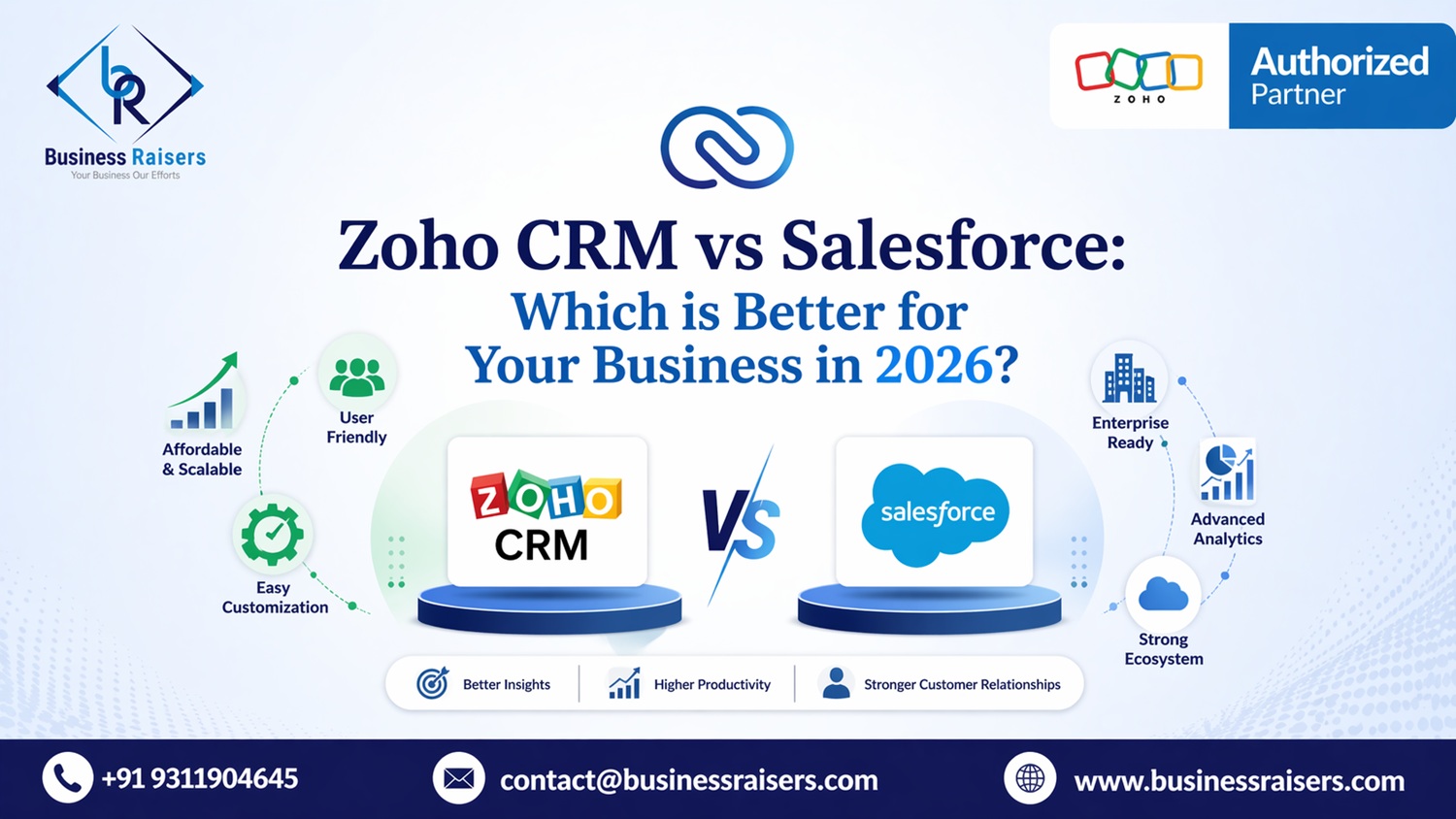
Zoho CRM vs Salesforce: Which is Better for Your Business in 2026?
Choosing the right CRM (Customer Relationship Management) software is one of the most important decisions for any business. A CRM system directly impacts your sales, customer relationships, and overall efficiency.
Two of the most popular CRM platforms in the market are Zoho CRM and Salesforce. Both offer powerful features, automation, and scalability. However, they are designed for different types of businesses and use cases.
In this blog, we will compare Zoho CRM vs Salesforce in detail to help you decide which platform is better for your business in 2026.
What is Zoho CRM?
Zoho CRM is a cloud-based customer relationship management platform designed for small to medium-sized businesses as well as growing enterprises. It offers a wide range of tools for sales automation, marketing, customer support, and analytics.
Zoho CRM is known for its affordability, flexibility, and ease of use. It also integrates seamlessly with other Zoho applications, making it a strong choice for businesses looking for an all-in-one ecosystem.
Key Features:
- Lead and contact management
- Sales automation workflows
- AI-powered insights (Zia)
- Multi-channel communication
- Seamless integration with Zoho apps
Businesses often work with a Zoho CRM-certified consultant or use professional Zoho consulting services to fully optimize their CRM setup.
What is Salesforce?
Salesforce is one of the most widely used enterprise CRM platforms in the world. It is designed for large organizations with complex workflows and extensive customization requirements.
Salesforce offers advanced features, strong analytics, and deep integration capabilities. However, it is often considered expensive and complex for smaller businesses.
Key Features:
- Advanced CRM capabilities
- Highly customizable platform
- Strong analytics and reporting
- Enterprise-grade automation
- Large app ecosystem
Due to its complexity, Salesforce often requires dedicated developers and ongoing maintenance.
Zoho CRM vs Salesforce: Key Differences
Both platforms are powerful, but they differ significantly in usability, cost, and implementation.
Main Differences:
- Zoho CRM is user-friendly, while Salesforce is complex
- Zoho is cost-effective, Salesforce is expensive
- Zoho offers faster deployment, Salesforce takes longer implementation time
- Zoho is ideal for SMEs, Salesforce suits large enterprises
For businesses looking for quick deployment, Zoho implementation services provide a faster and more efficient setup compared to traditional enterprise CRM systems.
Pricing Comparison
Pricing is one of the biggest deciding factors when choosing a CRM.
Zoho CRM offers flexible pricing plans suitable for small and medium businesses. It provides excellent value for money with all essential features included.
Salesforce, on the other hand, is significantly more expensive. Additional costs for customization, integrations, and support can increase the overall investment.
Pricing Insights:
- Zoho CRM: Affordable and scalable
- Salesforce: High cost with additional expenses
- Zoho: Better ROI for SMEs
- Salesforce: Suitable for large enterprise budgets
Many businesses prefer Zoho due to lower cost and better ROI when combined with Zoho customization services and Zoho integration services.
Ease of Use and Implementation
Ease of use is critical for team adoption and productivity.
Zoho CRM is designed with a simple interface, making it easy for teams to learn and use. It requires minimal training and can be implemented quickly.
Salesforce, while powerful, has a steep learning curve. It often requires technical expertise and longer onboarding time.
Comparison:
- Zoho CRM: Easy to use, quick setup
- Salesforce: Complex interface, longer learning curve
With expert Zoho implementation services, businesses can deploy Zoho CRM quickly and start seeing results faster.
Customization and Flexibility
Customization allows businesses to tailor CRM systems to their workflows.
Zoho CRM offers strong customization features, including custom modules, workflows, and automation. It is flexible enough for most business needs without requiring heavy development.
Salesforce offers deeper customization but often requires developers and higher costs.
Customization Highlights:
- Zoho: Flexible and cost-effective customization
- Salesforce: Advanced but complex customization
Businesses often use Zoho customization services to create tailored workflows and automation systems that match their operations.
Integration Capabilities
Integration is essential for connecting CRM with other business tools.
Zoho CRM integrates seamlessly with Zoho Books, Zoho Desk, Zoho People, and other applications. It also supports third-party integrations.
Salesforce offers strong integration capabilities but may require additional tools or development.
Integration Benefits:
- Zoho: Native ecosystem integration
- Salesforce: Advanced but costly integrations
For seamless connectivity, businesses rely on Zoho integration services to connect CRM with accounting, ecommerce, and support systems.
Automation and Productivity
Automation is one of the biggest advantages of modern CRM systems.
Zoho CRM provides automation features like workflow rules, email automation, and task management. These features help reduce manual work and improve efficiency.
Salesforce also offers automation but may require advanced configuration.
Automation Features:
- Workflow automation
- Lead assignment automation
- Email triggers and alerts
- Task automation
Businesses using Zoho often see improved productivity when supported by Zoho consulting services and automation strategies.
Zoho Ecosystem Advantage
One of the biggest strengths of Zoho is its ecosystem.
Zoho offers multiple applications such as Books, Desk, People, and Zoho One, which work seamlessly together. This creates a unified system for managing all business operations.
Ecosystem Benefits:
- CRM + Accounting integration (Zoho Books implementation)
- Customer support (Zoho Desk consultant)
- HR management (Zoho People implementation)
- Business suite (Zoho One consultants)
For businesses looking for a complete solution, Zoho also supports ERP-level operations through guidance from a Zoho ERP consultant.
Which CRM is Better for Your Business?
Choosing between Zoho CRM and Salesforce depends on your business size, budget, and requirements.
Choose Zoho CRM if:
- You want a cost-effective solution
- You need quick implementation
- You prefer ease of use
- You want an all-in-one ecosystem
Choose Salesforce if:
- You are a large enterprise
- You need highly complex customization
- You have a large budget
- You require enterprise-level scalability
For most small and medium businesses, Zoho CRM offers better value, flexibility, and ease of use.
Conclusion
Zoho CRM and Salesforce are both powerful platforms, but they serve different purposes. Zoho CRM is ideal for businesses looking for an affordable, easy-to-use, and scalable solution. Salesforce is better suited for large enterprises with complex needs and higher budgets.
In 2026, businesses are increasingly choosing Zoho due to its cost-effectiveness, automation capabilities, and integrated ecosystem. With the right implementation and customization, Zoho CRM can deliver excellent results and long-term growth.
FAQs
1. Is Zoho CRM better than Salesforce for small businesses?
Yes, Zoho CRM is generally better for small and medium businesses due to its affordability, ease of use, and quick implementation. It provides all essential CRM features without the complexity and high costs associated with Salesforce.
2. Why is Salesforce more expensive than Zoho CRM?
Salesforce is designed for large enterprises and offers advanced customization and scalability. However, these features come at a higher cost, including licensing, development, and maintenance expenses.
3. Can Zoho CRM handle large businesses?
Yes, Zoho CRM can scale to support large businesses, especially when combined with Zoho One and other applications. With proper implementation and customization, it can handle complex workflows and large data volumes.
4. Does Zoho CRM support integration with other tools?
Yes, Zoho CRM supports integration with various Zoho apps and third-party tools. Businesses can connect CRM with accounting, e-commerce, and support systems using integration solutions.
5. How long does it take to implement Zoho CRM?
Zoho CRM implementation typically takes a few days to a few weeks, depending on business requirements. With professional implementation services, the process becomes faster and more efficient.
6. Do I need a consultant for Zoho CRM setup?
While basic setup can be done independently, working with a Zoho CRM certified consultant ensures better configuration, customization, and long-term performance.